Podcast editor
A guest's standalone spoken recording contains a constant room tone.
Check whether reducing that tone improves listening without thinning the guest's voice. If the episode includes filmed segments, consider the related video workflow.
Spoken audio
An audio voice cleaner is most useful when you know what distracts from the speech: steady hum, room hiss, or uneven volume. Listen to the source first, then decide what should change and what should stay natural.
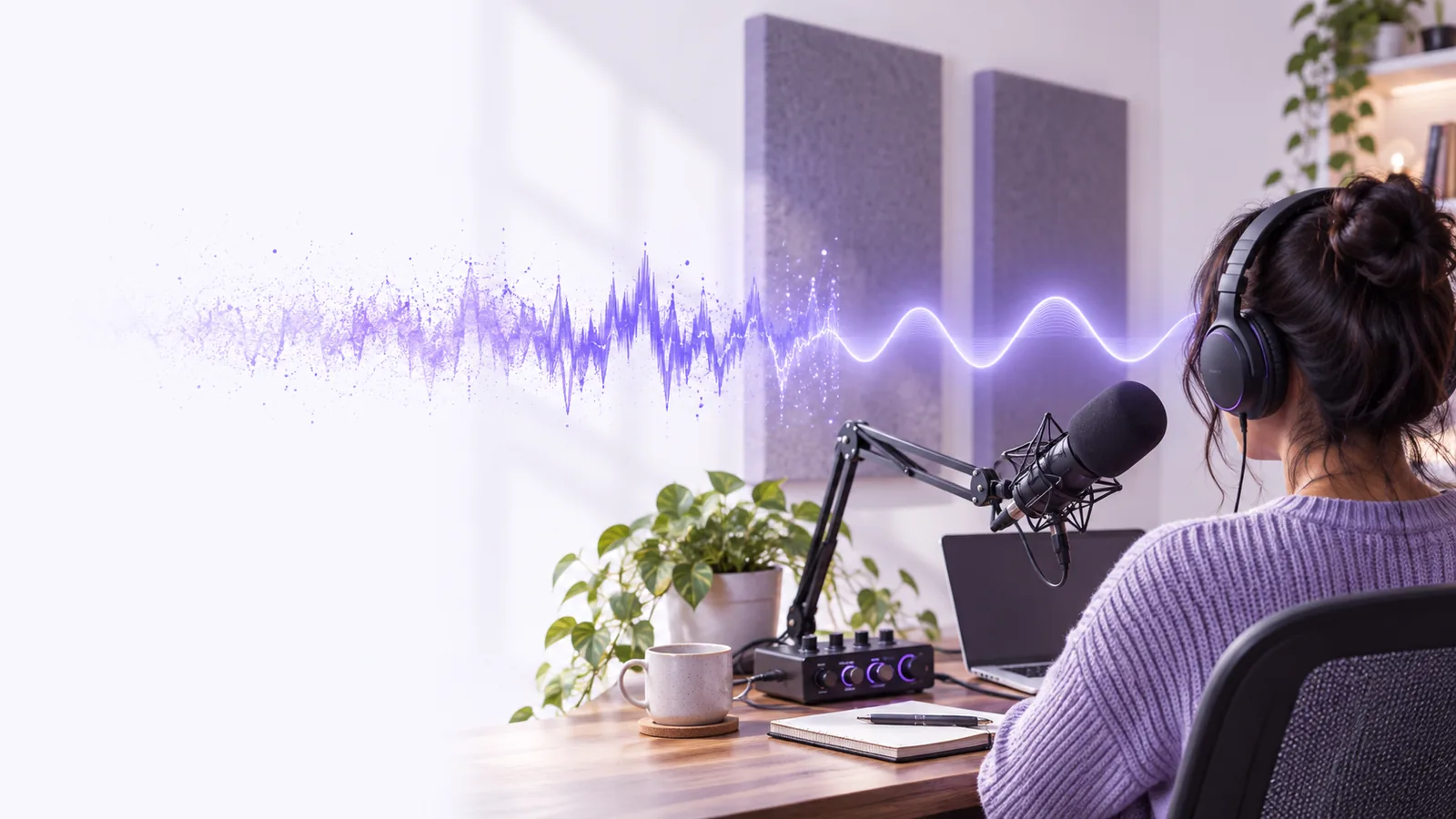
This workflow begins with a sound recording and aims for speech that is easier to follow. It does not require a picture or a video timeline to define the cleanup task.
The aim is not to erase everything except speech. Use this comparison as a listening checklist rather than a promise that every defect can be repaired.
| Original recording | Desired cleaned recording | |
|---|---|---|
| Speech | Words may compete with surrounding sound. | Words remain intelligible and recognizably the same voice. |
| Steady noise | Fan, hiss, or electrical hum may persist between words. | Persistent noise is less distracting, including in pauses. |
| Changing noise | Traffic or nearby voices may overlap individual syllables. | Distractions may be reduced, but masked syllables can remain unclear. |
| Room sound | Reflections can make speech sound distant. | Room sound is controlled without making the speaker sound metallic. |
| Volume | Quiet phrases can be harder to follow than loud ones. | Phrase levels feel more consistent without clipped peaks. |
| Breaths and pauses | Natural details are present alongside unwanted noise. | Useful details remain rather than disappearing under aggressive processing. |
| Verification | The source preserves what was actually captured. | A comparison against the source reveals both improvements and artifacts. |
Match the workflow to where the voice lives. Keep the original recording available so you can compare any result against it before using it in a finished project.
A guest's standalone spoken recording contains a constant room tone.
Check whether reducing that tone improves listening without thinning the guest's voice. If the episode includes filmed segments, consider the related video workflow.
The only copy of a speaker's remarks is inside a recorded interview clip.
Locate the spoken track before deciding whether it needs isolation or lighter noise reduction.
Narration accompanies screen footage, and edits must remain aligned with what viewers see.
Check the audio in the context of the picture instead of judging clarity from an isolated clip alone.
Current workflows combine older signal-processing ideas with newer approaches. None replaces a careful listen to the original and the result.
Steven Boll published a method for reducing noise in speech using an estimate of the noise spectrum. Estimating background sound remains a useful way to think about steady hiss.
Computer-based audio editing made it practical to inspect, trim, and compare passages without altering the original tape. Editors could target a troublesome section instead of processing an entire recording.
Research increasingly used neural networks to distinguish speech from competing sounds. Results still depended on the recording and could introduce audible artifacts.
Speech-focused separation entered more everyday editing workflows. It remains important to check consonants, quiet words, and pauses against the source.
Choose a short passage with both speech and background sound. Compare it at the same listening level before judging an improvement, and pay particular attention to quiet words and the spaces between phrases. Voicecleaner can point you toward a voice workflow; confirm its supported inputs and options at the destination.
It describes a workflow intended to make recorded speech easier to hear, often by addressing distracting background sound or inconsistent levels. The useful result is clearer speech that still sounds like the original speaker, not simply the quietest possible background.
Sometimes reducing the competing sound makes a word easier to understand. If the speech was never captured clearly, processing cannot reliably restore the missing detail; compare any apparent recovery with the original.
You can assess a separate voice recording before placing it on a timeline. If the sound is already attached to footage, check synchronization and judge the processed track alongside the picture.
Listen for watery or metallic tones, softened consonants, and unnatural silence between phrases. Switch back to the original at a similar volume; a small improvement that preserves the voice may be preferable to stronger processing.