Voicecleaner Clean your audio
English

What is voice cleaner app, and what does it actually do?

If you are asking what is voice cleaner app, the short answer is this: it is a tool for making recorded speech easier to hear. A voice cleaner typically reduces distracting sound or adjusts the voice itself. It works on a recording, not on the room or microphone that captured it, so the quality of the original still matters.

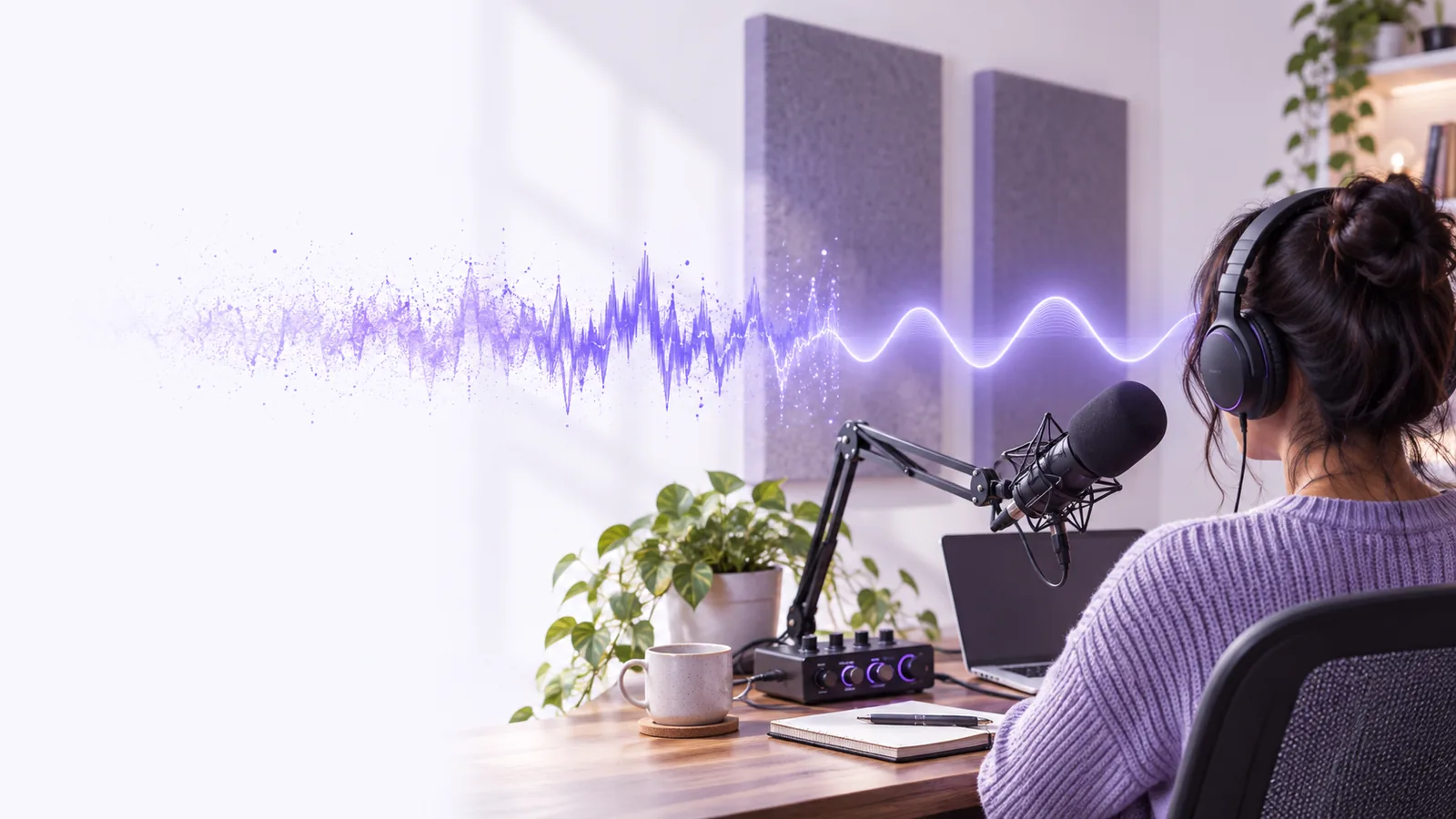
Voicecleaner site hero image

How it works

Most cleanup workflows follow the same broad sequence, though the available controls vary by tool.

  1. 1

    Start with recorded speech

    Choose a recording in which the speaker is audible, even if a fan, traffic, hiss, or room echo makes listening difficult. Listen to a short stretch before changing anything. That reference helps you judge whether cleanup preserves the speaker's words and natural tone.

  2. 2

    Reduce distractions

    A voice cleaner may identify steady noise, separate speech from competing sound, or adjust frequencies that make a voice seem muddy. These are different operations: lowering a constant hum is usually simpler than separating two people who speak at the same time.

  3. 3

    Compare and keep the better version

    Play the same sentence before and after processing, especially quiet words and consonants. If the result sounds metallic, watery, or clipped, less aggressive cleanup may be preferable. Keep the original recording so you can revisit that decision rather than treating the processed version as a replacement.

What it can and cannot do

The useful question is not whether a voice cleaner removes every unwanted sound, but whether the remaining speech is clearer without sounding damaged.

Podcast editor

A spoken interview has a steady air-conditioner hum beneath otherwise intelligible dialogue. An audio voice cleaner can be useful for reducing that persistent distraction while keeping attention on the speakers.

It cannot reliably restore a sentence drowned out by a loud interruption. Compare the cleaned passage with the source, and leave any uncertain words out of a transcript rather than guessing what was said.

audio voice cleaner

Video creator

An outdoor clip includes wind and distant traffic. Cleaning its speech track may make the presenter easier to follow, but the video and its audio need to remain in sync when the edited track is used.

A video voice cleaner cannot fix a microphone that never captured a quiet phrase. Check the loudest and softest lines before deciding whether the result is usable.

video voice cleaner free

Interview transcriber

A phone recording contains low-level hiss that makes repeated listening tiring. A measured cleanup pass can help distinguish words that are already present in the recording.

It cannot make an uncertain word certain. For a practical sequence of listening, adjusting, and checking, see how to clean up a voice recording.

How to clean up a voice recording?

Who uses it

People working with interviews, narrated videos, voice notes, lessons, and podcasts may all have reason to clean up speech. Their goals differ: an editor might want a more comfortable listening experience, while a transcriber needs to hear words accurately. In either case, start with a recording where speech is present, compare the result against the original, and be cautious about processing that changes the speaker's tone. Voicecleaner can point you toward voice tools; the options available after you continue depend on the destination.

Make spoken recordings easier to listen to

  • Keep the original recording
  • Check quiet words as well as loud ones
  • Prefer natural speech over aggressive cleanup
Explore voice tools

Frequently asked questions

A voice cleaner app is software used to improve the listenability of recorded speech. Depending on the tool, it may reduce background noise, adjust tonal balance, or make the voice more prominent. The result should be checked by listening, not assumed to be clearer because it was processed.

No. A voice cleaner aims to make the existing speaker easier to hear, ideally without changing who they sound like. A voice changer intentionally alters characteristics of the voice, although excessive cleanup can also change its sound unintentionally.

Not necessarily. Steady sounds such as a hum may be easier to reduce than sudden noises or another person speaking over the main speaker. Trying to remove too much can also make speech sound unnatural.

It may reveal a word that was present but masked by a quieter distraction. It cannot be counted on to recover speech that the microphone failed to capture or that was completely overwhelmed. When wording matters, verify it against the original and mark anything uncertain.

Compare the same short passage before and after, using the same listening volume. Check whether consonants and quiet words are easier to understand and whether the speaker still sounds natural. A less noisy recording is not an improvement if important speech has been removed with the noise.

Clean your audio
Clean your audio