Remote interviewer
A guest’s speech competes with fan noise and occasional keyboard sounds.
Compare intelligibility across several speakers; prioritize a natural voice over absolute silence between words.
Choosing a workflow
A different voice cleaner may help if your current workflow takes too long or changes how you sound. Compare the recording, the work required, and the result you actually need before switching.
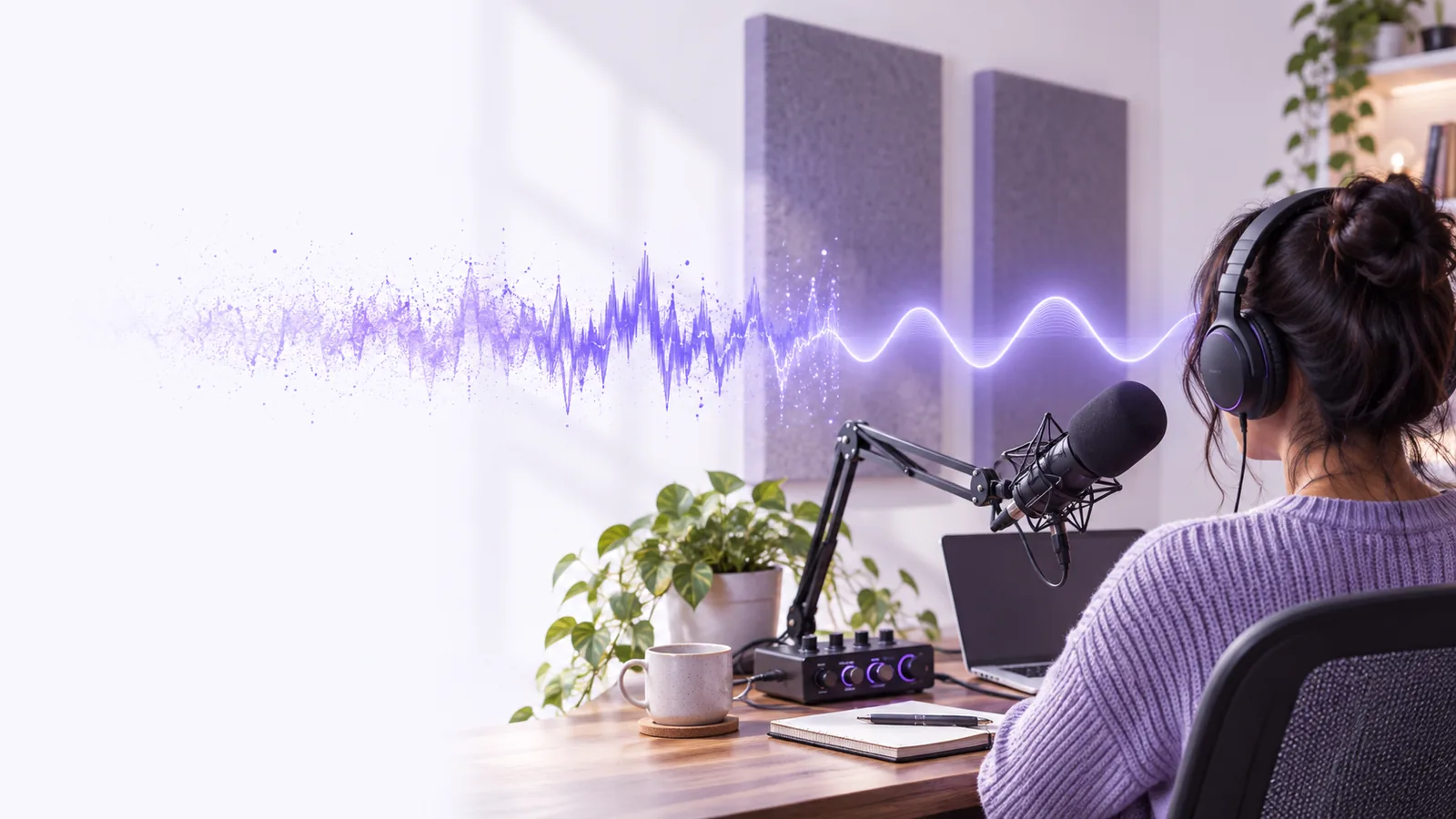
The meaningful cost is more than a listed price: count preparation, processing, review, and any repair work. These related guides help you identify which part of your workflow needs attention.
No voice cleaner can guarantee a natural-sounding result from every source. Judge quality by listening to the same short passage through each workflow, not by comparing promotional examples.
If a microphone overloaded and flattened part of a word, cleaning may make the damage less distracting but cannot reliably recreate the original performance.
What to do instead
Check the raw recording for clipped peaks; rerecord essential words when possible.
A voice cleaner may soften consonants along with keyboard clicks, traffic, or music when those sounds share the same frequencies. Stronger removal is not automatically clearer speech.
What to do instead
Compare a quiet syllable, a loud syllable, and a pause before accepting the result.
Echo and reverberation are different from steady background hiss. An alternative focused on noise reduction may leave a hollow room sound largely unchanged.
What to do instead
Record closer to the microphone and reduce room reflections at the source.
A comparison guide cannot hear your recording, confirm compatibility, or establish how a third-party service handles an uploaded file.
What to do instead
Check the service’s current file requirements and privacy terms before sending sensitive audio.
A fast first pass can still become a slow project if every sentence needs repair. Test the complete trip from source file to approved recording.
Choose 20 to 30 seconds containing normal speech, the worst background sound, and a brief pause. Keep an untouched copy so each voice cleaner starts with identical material.
Record the time spent preparing the file, applying cleanup, and finding a usable result. If a workflow needs extensive manual adjustments, count those minutes rather than only its processing time.
Listen on headphones and an ordinary phone speaker. Note lost consonants, pumping during pauses, volume changes, and whether the voice still sounds like the speaker.
Use this total-effort comparison when considering a voice cleaner alternative online. The columns describe workflow types, not guaranteed features or prices of any particular service.
| Current editing workflow | Candidate online workflow | |
|---|---|---|
| Initial effort | Use the steps and controls you already know. | Allow time to check file requirements and learn a new process. |
| Per-recording effort | Count imports, adjustments, exports, and manual fixes. | Count preparation, transfer, review, and any edits needed afterward. |
| Quality decision | Compare your present result against the untouched source. | Test the same passage and listen for new artifacts. |
| Privacy check | Confirm where the current workflow stores source and output files. | Read the service’s current terms before uploading sensitive speech. |
| Repeatability | An established process may be easier to reproduce. | Check whether repeated recordings produce consistently usable results. |
| Switching threshold | Keep it if the result is clear and total effort is manageable. | Switch if a tested result solves a recurring problem without creating a larger one. |
The strongest reason to change tools is a repeated, identifiable problem—not a different interface. Match the alternative to the material you actually record.
A guest’s speech competes with fan noise and occasional keyboard sounds.
Compare intelligibility across several speakers; prioritize a natural voice over absolute silence between words.
Each episode requires the same series of small adjustments before publication.
Time a complete episode excerpt. A worthwhile switch reduces repeat work without flattening expression.
The spoken track sounds different from one filmed location to another.
Test whether the cleaned voice remains consistent across cuts before changing the video workflow.
Keep your original file, try a short representative passage, and judge the result at normal listening volume. Voicecleaner can point you toward voice tools; check the destination’s current capabilities and terms before relying on them for a project.
Start with a short clip that includes the problem you need to fix. Compare the cleaned result with the original for speech clarity, natural tone, and unwanted artifacts, then count the effort required to reach a usable result.
Not necessarily. Different recordings respond differently to cleanup, especially when speech overlaps with music, echo, or sudden noise. A fair comparison uses the same source passage and the same listening setup.
Do not assume that uploading confidential audio is appropriate. Review the destination’s current privacy terms, retention practices, and any requirements your organization has before transferring a file.
Keep it when the voice sounds natural, listeners can understand the words, and the full process takes a reasonable amount of time. Changing tools makes more sense when a repeated problem survives your current approach and a tested alternative resolves it.
Cleanup can help with some distractions, but it cannot guarantee recovery of clipped speech or heavily masked words. Reducing noise at the source and placing the microphone well gives any workflow a better starting point.