Interview editors
A guest was recorded in a room with light air conditioning, handling noise, or distant conversation.
A focused cleanup pass can make the guest easier to follow before the interview is mixed and captioned.
Cleaner video dialogue
A video voice cleaner helps bring spoken words forward without asking you to rebuild the entire edit. Start with a clip that has distracting room sound, uneven speech, or a voice that feels buried under the scene.
A cleaner result starts with a workable source. Check these conditions before sending a video through the workflow.
A voice cleaner can improve speech that exists in the recording, but it cannot recreate words that were never captured or were fully masked by another sound.
What to do instead
Use the clearest take available, or replace missing lines with a new recording.
If the microphone signal was recorded too loudly, distorted consonants and crackling can survive cleanup because the original waveform is damaged.
What to do instead
Lower the recording level on future takes and use another source track when one is available.
Dialogue cleanup is not the same as a full mix. Loud music, transitions, or sound effects can still compete with the speaker after the voice is improved.
What to do instead
Keep music and effects on separate tracks so they can be lowered during spoken sections.
Cleaning a voice track does not automatically fix jump cuts, captions, pacing, framing, or visual distractions in the video.
What to do instead
Treat the cleaned result as an audio improvement inside your normal video editing workflow.
The process is straightforward: identify the speech problem, apply a focused pass, then listen in the context of the complete video.
Use the original video or the highest-quality export you have. Avoid repeatedly compressed copies, since extra compression can make quiet room tone and speech artifacts harder to separate.
Mention whether the clip needs less room noise, more intelligible dialogue, or a more even speaking level. Specific direction helps keep the result focused on the voice rather than the whole soundtrack.
Listen with the video playing, not only with headphones on a silent timeline. Compare pauses, breaths, background sound, and music so the dialogue still feels natural in the finished scene.
Different source situations call for different expectations. Use this comparison to decide how much of the video workflow should be handled by voice cleanup.
| Voice cleanup pass | Full video editing pass | |
|---|---|---|
| Primary purpose | Improve the clarity and presence of spoken dialogue. | Shape the complete visual and audio story. |
| Best starting file | A video with an understandable voice track. | Original camera files, project media, and edit timeline. |
| Room sound | Can reduce distracting ambience when speech is distinct. | Can be edited, muted, replaced, or mixed scene by scene. |
| Music balance | May not fully rebalance music against dialogue. | Provides direct control over music levels and automation. |
| Visual changes | Does not correct framing, cuts, captions, or color. | Designed for picture edits and finishing decisions. |
| Useful stage | A focused first pass before publishing or further mixing. | The broader finishing process after the edit is assembled. |
| Main risk | Overprocessing can make speech sound unnatural. | More controls can add time and complexity to a simple fix. |
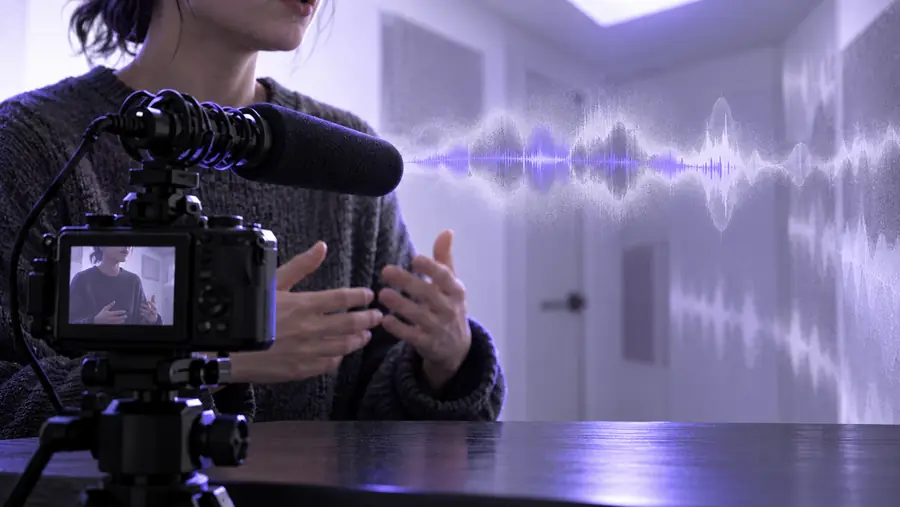
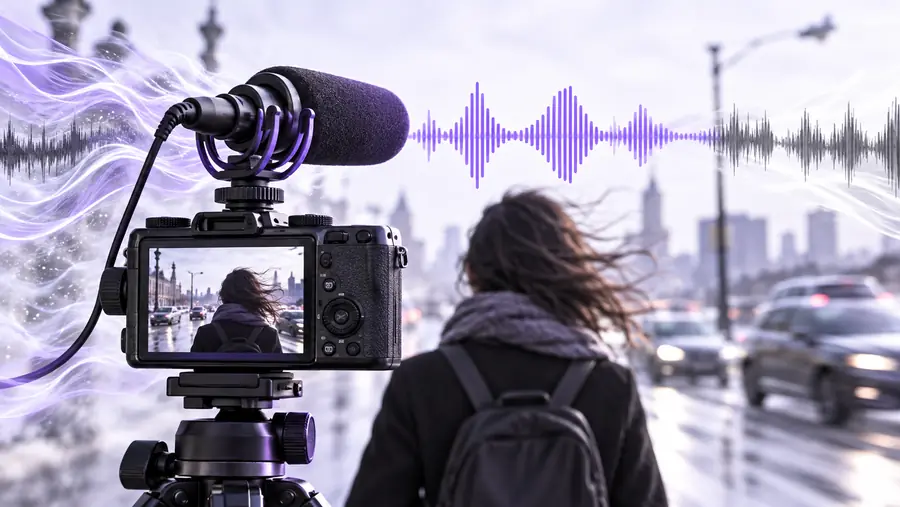
The goal is clearer speech, not silence everywhere. A useful before-and-after comparison preserves natural pauses and tone while reducing the sounds that compete with the speaker.
Original dialogueCleaned dialogueThe same workflow can support several kinds of spoken content, as long as the source voice is understandable enough to guide the cleanup.
A guest was recorded in a room with light air conditioning, handling noise, or distant conversation.
A focused cleanup pass can make the guest easier to follow before the interview is mixed and captioned.
A lesson video has useful instruction but the presenter sounds uneven from one section to the next.
Improved speech clarity can make the lesson easier to listen to without replacing the visual teaching material.
A conversational recording is visually usable, but background sound pulls attention away from the speakers.
Cleaning the dialogue first gives the editor a more workable track for the final video mix.
A short clip was recorded quickly and the message is strong, but the voice lacks presence beside ambient sound.
A cleaner spoken track can help the main idea come through before adding captions, music, or platform-specific edits.
Send a representative clip through the workflow and listen for the changes that matter: understandable words, a natural voice, and less distraction from the scene. You can then decide whether the result is ready or needs additional editing.
A video voice cleaner focuses on making spoken dialogue easier to understand within a video clip. It can help reduce distracting background sound and improve the apparent presence of the voice, but it is not a replacement for complete video editing or audio mixing.
No. It may reduce steady or secondary sounds when the voice is clear enough to distinguish, but loud music, overlapping speech, clipping, and sudden noises can remain. Listen to the result in context and use separate tracks or another take when the background is competing heavily.
The intended focus is the spoken audio, not the picture. You should still expect to handle cuts, framing, captions, color, music, and effects in your regular video editor.
Yes, those are useful situations when the main issue is understandable speech rather than a broken recording. Start with the clearest source available, describe the problem precisely, and compare the cleaned result with the original before publishing.