Voicecleaner Clean your audio
English

Audio cleanup guide

Make sense of voice cleaner ai before editing

Voice cleaner ai describes tools that identify speech and reduce sounds competing with it. Start with a short recording, decide what needs fixing, and listen for changes to the speaker’s natural tone.

Check available inputs at the destination
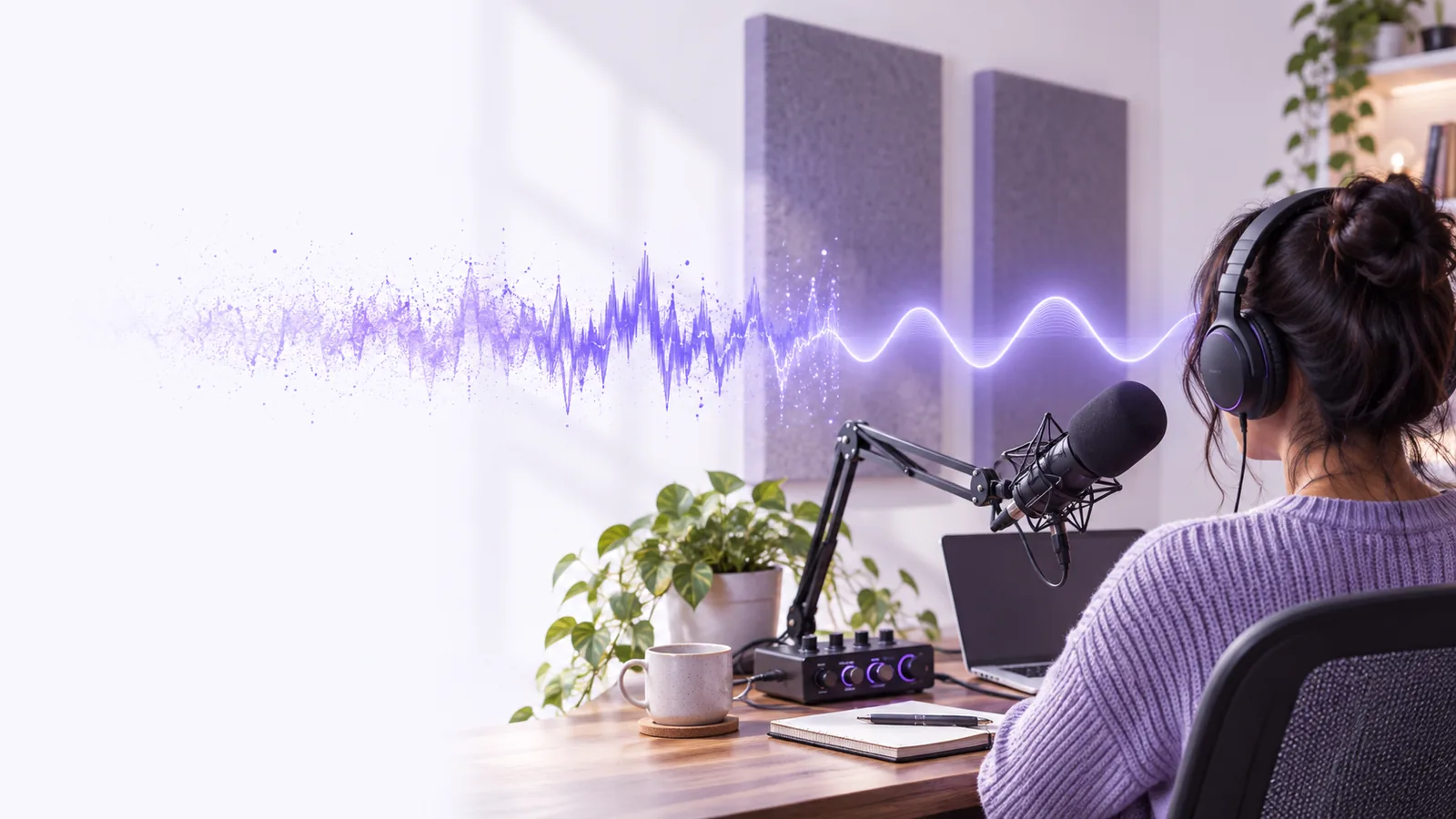
Voicecleaner landing illustration for spoken-audio cleanup

Four ways speech cleanup can help

Different recordings call for different interventions. These examples describe editing goals, not guaranteed controls or results from any particular tool.

Remote interviewer

A constant fan sits underneath an otherwise clear answer. Reducing the steady background may make the response easier to follow without removing every trace of the room.

Aim for intelligible speech that still sounds like the person recorded.

How to remove background noise while speaking?

Video creator

Traffic competes with a presenter’s voice in an outdoor clip. Speech-focused processing may lower the distraction, but the edited audio still needs to stay aligned with the picture.

Check the voice against the original clip before publishing.

video voice cleaner

Podcast editor

One microphone sounds thin while another captures a fuller voice. Noise reduction alone will not match their tones; careful equalization and level adjustments may also be needed.

Keep both speakers understandable without forcing them to sound identical.

How to clean up a voice recording?

Interview producer

A second person speaks over the main answer. Attempting to isolate one voice is a different challenge from removing a steady hum, and overlapping words may remain hard to recover.

Preserve the clearest usable take and note any words that remain uncertain.

voice isolator from video

Work through one short test

A small comparison is more informative than applying aggressive cleanup to an entire recording at once.

  1. 1

    Choose a representative passage

    Include a few seconds of speech, a pause with the unwanted sound, and any difficult consonants. Keep the original recording untouched so you can return to it.

  2. 2

    Apply restrained processing

    If the destination offers speech cleanup, try a modest pass first. Listen for the background becoming less distracting, rather than expecting absolute silence between words.

  3. 3

    Compare and decide

    Match playback levels and switch between original and processed audio. Check word endings, breaths, room tone, and any sections where speakers overlap before using the result.

Know the limits before you process

Speech-focused models can make a recording easier to hear, but they cannot recreate reliable information that was never captured.

1

Clipped words cannot be restored with certainty

When the microphone overloads, parts of the waveform are missing. A smoother-sounding result is not proof that the original consonants were recovered.

What to do instead

Use an unclipped backup take or rerecord an important line.

2

Overlapping speakers remain difficult

Another voice can occupy the same frequencies and moments as the speaker you want. Separation may alter syllables or leave pieces of both voices behind.

What to do instead

Review the source alongside the result and verify quotations manually.

3

Heavy cleanup can sound artificial

Strong noise removal may introduce watery artifacts, flatten breaths, or cut off quiet words. The cleanest-looking waveform is not always the clearest listen.

What to do instead

Reduce processing strength where possible, or blend back some original audio.

4

A quiet room still matters

Processing cannot replace good microphone placement or prevent a new recording from capturing noise. A cleaner source gives any later edit more to work with.

What to do instead

Move the microphone closer and address the loudest noise before recording.

AI-assisted cleanup versus manual editing

Neither approach is automatically better. Choose based on the kind of interference and how closely the result must preserve the original voice.

AI-assisted cleanup Manual editing
Starting point A speech-focused pass may address several distractions together. The editor identifies each problem and selects a targeted adjustment.
Steady hum May reduce it while prioritizing speech. Can target a narrow frequency or use a measured noise profile.
Changing background May adapt to some variation, with results that need checking. Allows separate treatment of different sections.
Voice tone May shift timbre or suppress quiet vocal details. Offers direct control over tonal changes, but requires careful listening.
Overlapping speech May attempt separation without guaranteeing accurate words. Can choose the best take or edit around overlap, but cannot invent missing speech.
Final review Requires comparison with the original, especially around soft words. Requires the same comparison and attention to edit boundaries.

Try a short passage first

Use Voicecleaner as a starting point for exploring voice cleaner ai, then judge any available result against your original. Keep the version that makes words easier to understand without making the speaker sound unfamiliar.

Hear whether cleanup suits your recording

  • Keep the original recording
  • Compare at matched playback levels
  • Check quiet words and breaths
Explore voice cleanup

Questions about AI voice cleanup

It generally aims to make speech more prominent relative to competing sound. Depending on the method, that can mean reducing background noise, attempting speech separation, or changing the perceived tone; the result should always be checked by listening.

Sometimes a modest reduction leaves the voice sounding close to the original, especially with steady background noise. Stronger processing can soften consonants or create artifacts, so compare a short section before applying it throughout.

No. Lowering a fan or hiss beneath speech is different from separating one speaker from another person or loud music. Isolation is especially uncertain when sounds overlap in time and frequency.

Start by preserving an untouched copy and testing a short passage. You can then decide whether a speech-focused pass helps, whether targeted manual edits are preferable, or whether a restrained combination sounds best.

Clean your audio
Clean your audio