Voicecleaner Clean your audio
English

Recording cleanup

Trying a voice cleaner free? Start with one short clip

A voice cleaner free to try is most useful when you can compare its result with your original. Choose a short passage with the noise you want to address, and keep the source recording unchanged.

Free to start · no signup
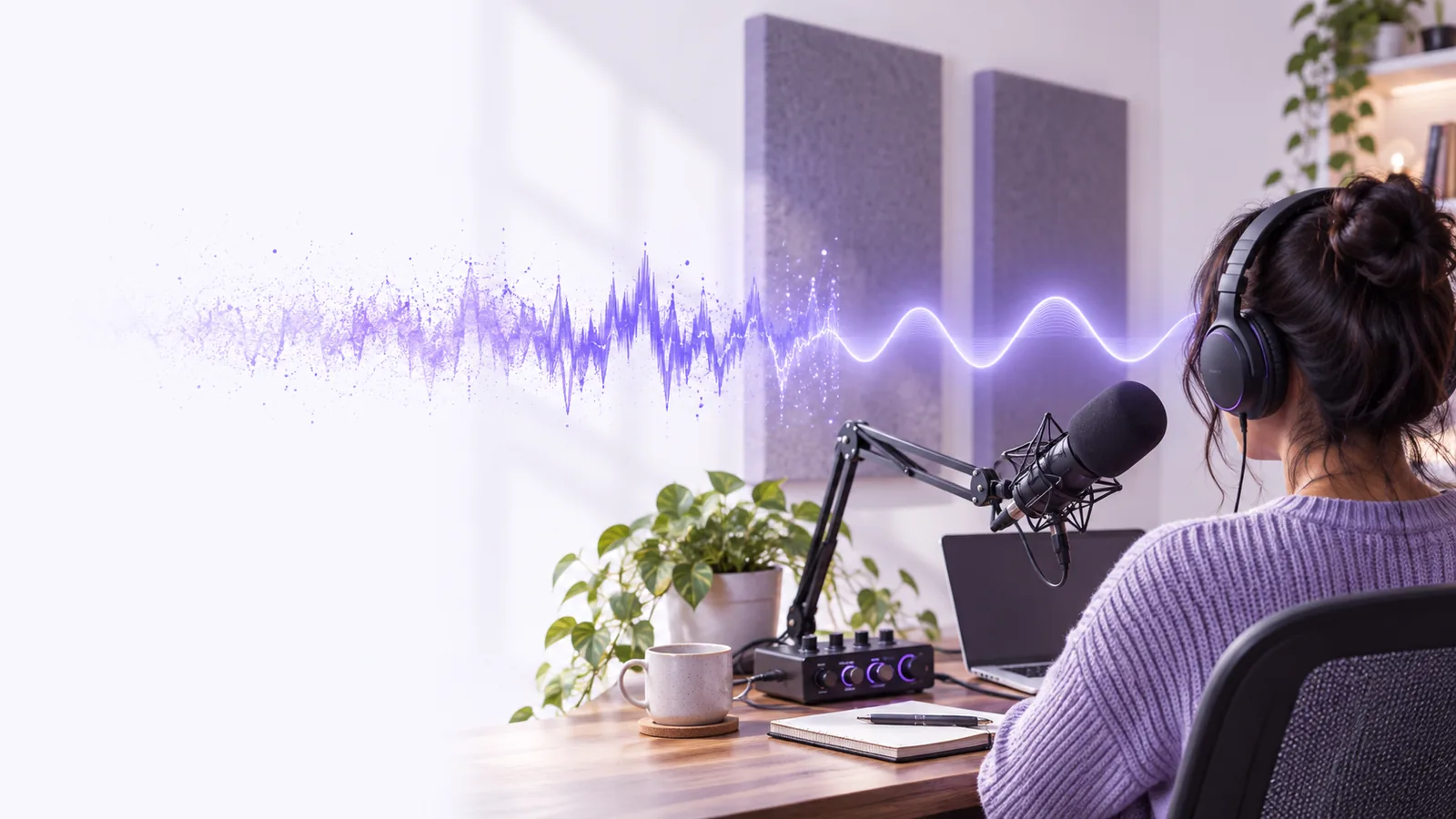
Voicecleaner recording cleanup illustration

Choose a useful test clip

A fair test uses the kind of recording you actually need to improve, not a pristine sample.

Podcast host

A spoken introduction has a constant fan sound beneath otherwise clear speech.

Test a brief segment, then compare consonants and pauses with the original. The audio voice cleaner guide helps you decide what to listen for in an audio-only file.

audio voice cleaner

Video creator

Dialogue recorded outdoors competes with passing traffic.

Check whether speech stays intelligible after cleanup, then consider how the result will fit the picture. The video voice cleaner guide covers the extra checks a video project needs.

video voice cleaner

Interview editor

Two speakers were recorded at different distances from one microphone.

Listen to both voices rather than judging only the louder speaker. For a repeatable editing sequence, use the voice recording cleanup guide.

how to clean up a voice recording

Phone recorder

A quick voice memo contains room noise and a few clipped words.

Try a representative passage, but keep expectations modest for clipped speech. The iPhone background-noise guide explains device-specific considerations.

remove background noise from audio on iPhone

One full run-through

Treat the first attempt as an evaluation, not a final export.

  1. 1

    Save an untouched copy

    Keep the original recording available. Select a short portion containing both normal speech and the noise that prompted you to look for a voice cleaner; ten quiet seconds alone will not tell you how dialogue changes.

  2. 2

    Describe the problem

    Identify whether the distraction is steady hum, hiss, occasional bumps, or competing voices. Send the description through Voicecleaner’s handoff, then confirm the destination’s current input requirements and access terms before submitting a recording.

  3. 3

    Compare at matched volume

    Listen to the original and processed versions at similar loudness. Focus on word endings, breaths, and quiet phrases: a quieter background is not an improvement if the speaker becomes metallic or harder to understand.

Options table

A voice cleaner is one approach; local editing may give you more direct control. Neither option guarantees a usable result from damaged source audio.

Online cleanup route Local audio editing
Before starting Check the destination’s current access and upload requirements. Check that your editor can open the source file.
Recording location Confirm how submitted audio is handled before uploading sensitive speech. Keep the working file on your own device.
Main adjustment Describe the unwanted sound and assess the returned result. Adjust available filters while listening to each change.
Repeatability Retain the original and record what you requested for comparison. Save an editable project or note your filter settings.
Best test Use a short clip that includes speech and the actual distraction. Use the same clip so the comparison is meaningful.
Final check Verify access, file compatibility, and speech quality. Verify export settings, speech quality, and sync if used in video.

What fails

A free starting point does not establish what a destination will accept or how much cleanup a recording can withstand.

1

Missing speech cannot be restored reliably

If a word is clipped, muffled beyond recognition, or covered completely by another sound, a voice cleaner may not reveal what was said.

What to do instead

Return to another microphone track or rerecord the line when possible.

2

Heavy cleanup can damage the voice

Removing too much background sound can soften consonants, create watery artifacts, or make pauses sound unnatural.

What to do instead

Compare at matched volume and favor intelligibility over absolute silence.

3

Access details can change

This page does not establish a free allowance, supported file types, upload limits, or whether an account is required at the destination.

What to do instead

Check the destination’s current terms and requirements before uploading.

4

Sensitive recordings need extra care

A convenient online route is not, by itself, evidence of a particular retention policy or confidentiality guarantee.

What to do instead

Review the destination’s privacy information, or use an appropriate local workflow.

Try the short-clip check

Keep your original, describe the unwanted sound, and judge the result by how clearly the voice comes through. Check the destination’s current access conditions before submitting audio.

Start with a recording you can compare

  • Use a representative speech segment
  • Listen at matched volume
  • Keep the original recording
Try voice cleanup

Its own FAQ

Availability and access conditions depend on the destination and may change. Check its current terms before uploading; this page does not promise a free allowance.

An online route may require an account, and this page cannot verify the destination’s current requirements. Check the access screen before assuming you can submit audio without signing in.

Choose a short clip containing clear speech and the background sound you want to reduce. Compare it with the untouched original at similar volume, paying attention to quiet words and consonants.

No result is guaranteed, especially when noise overlaps speech or changes abruptly. The useful question is whether the voice becomes easier to understand without objectionable artifacts.

Clean your audio
Clean your audio