Interview editor
A quiet interview has steady room hum beneath the speaker.
Clean a copy of the dialogue, then compare it with the camera audio before replacing the track. An audio voice cleaner focuses on the sound rather than the picture.
Video audio guide
A clearer voice can make a clip easier to follow, but cleaning the soundtrack and preserving the video are separate tasks. Identify the noisy section first, then check the result against the original picture and sound.
A visual slider cannot demonstrate audio quality. Both sides show the same frame so you can focus on comparing the original and processed sound separately.
Original frame
The identical images are a framing reference, not a before-and-after audio sample.
Same frame
The useful output depends on whether you need a cleaned soundtrack, a voice-only track, or a finished video.
A quiet interview has steady room hum beneath the speaker.
Clean a copy of the dialogue, then compare it with the camera audio before replacing the track. An audio voice cleaner focuses on the sound rather than the picture.
Crowd sound overlaps a speaker throughout a short clip.
If separating speech matters more than retaining ambience, compare a voice-only track with the original mix. A voice isolator from video addresses that narrower goal.
Narration recorded with the camera contains a persistent fan.
Keep the original video as a timing reference and review a cleaned narration track against it. The audio voice cleaner guide explains the soundtrack-first approach.
Cleaning an audio track and producing a finished video are different jobs. Check which deliverable your workflow actually provides.
| Soundtrack-first workflow | Finished-video workflow | |
|---|---|---|
| Starting material | Audio extracted from the clip | Video with its existing sound |
| Primary edit | Process spoken sound separately | Replace or process sound within a video edit |
| Picture handling | Original picture stays in the editor | Picture must remain aligned through export |
| Likely deliverable | A processed audio track, if supported | A playable video file, if supported |
| Timing check | Align the track to the reference clip | Check lip sync in the exported file |
| Final review | Listen before placing audio in the edit | Watch and listen to the entire export |
Moving sound out of a video can simplify cleanup, but a careless round trip can change the finished clip.
Keep the source clip and note where the first spoken word begins. This gives you a timing reference if extraction or export adds silence.
Listen for missing consonants, unnatural pauses and reduced room tone. Heavy noise removal can make speech sound thin even when the hiss is gone.
Place the reviewed track against the original picture. Check lip movements and scene cuts before treating a new video export as complete.
Before sending a clip to any tool, confirm its supported input and output. A video voice cleaner free search does not establish what a particular service can accept or return.
A voice-cleaning tool may return audio rather than a video file.
What to do instead
Plan to replace the soundtrack in a video editor if the output is audio-only.
When speakers and background sounds occupy the same moments, cleanup may affect both.
What to do instead
Test a short difficult passage and retain the original mix for comparison.
Clipping, missing words and severe distortion may leave too little usable voice.
What to do instead
Use an alternate recording or rerecord the affected line when possible.
These images illustrate review situations, not measured audio results. Use the input notes to choose comparable moments in your own clip.
 Room tone
 Sync
Sync
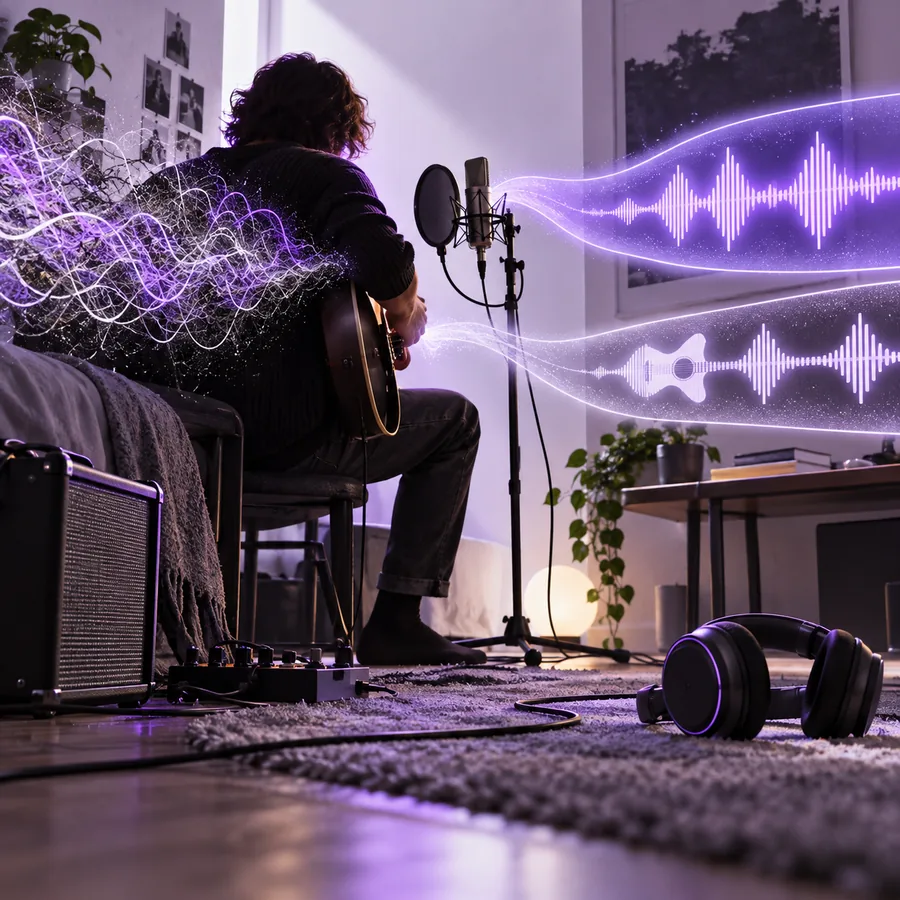 Ambience
Try the noisiest spoken passage first. Keep its original sound available so you can judge clarity, naturalness and sync before committing to a full edit.
A tool may reduce some background noise, but the result depends on the recording and the tool's supported inputs. Test a passage where the noise overlaps speech and listen for changes to the voice as well as the noise.
Sound cleanup and picture editing are separate operations. If a tool returns only audio, you will need to place that track back against the original video and check sync.
Check the service's current file support, output options and handling of uploaded material. Keep a local copy of the original, especially if the recording contains private conversation.
Play the same passage from both versions at a similar volume. Listen for intelligibility, natural breaths and missing syllables, then watch the exported video for timing errors.