Podcast starter
You have a short interview clip with light room hum and want a quick first pass.
You can judge whether the voice is easier to follow before investing time in a full edit.
Low-friction audio
A voice cleaner online free no sign up can be useful when you want a clearer spoken track without committing to a desktop workflow first. Start with a short recording, review the result, and decide whether this route fits the job.
Related routes
Use these nearby pages to compare access, input types, and cleanup approaches before choosing a route.
Practical users
This route is intentionally narrow: it helps you test a spoken recording, judge the cleanup, and move on without building a full editing setup.
You have a short interview clip with light room hum and want a quick first pass.
You can judge whether the voice is easier to follow before investing time in a full edit.
A lesson recording has uneven background sound between spoken sections.
A focused voice cleanup check helps you decide which sections need manual attention.
A meeting note or voice memo is understandable but sounds soft and distracting.
You can test a cleaner version without first arranging a local audio project.
You want to inspect dialogue before opening a larger video-editing workflow.
A short audio check separates a voice problem from a wider video production problem.
Simple handoff
Keep the first test small. A short, representative sample makes it easier to hear what changed and whether the online route suits your recording.
Use a short section containing ordinary speech plus the background sound you want to assess. Avoid judging the tool from silence alone.
State that the goal is clearer spoken audio and identify the main distraction, such as steady room noise, hiss, or a distant-sounding voice.
Listen for natural speech, missing words, pumping, or leftover noise. If the result is not suitable, switch to a more hands-on editing path.
Route comparison
The no-signup route is best understood as a focused starting point, not a promise that every recording will be solved in one pass.
| Focused no-signup route | General voice cleaner route | |
|---|---|---|
| Primary purpose | Quickly test spoken-audio cleanup | Explore a broader cleanup workflow |
| Best first input | A short representative recording | A recording or project needing more review |
| Setup effort | Minimal initial setup | May involve more choices before processing |
| Control over the result | Limited at the first pass | Better suited to comparing adjustments |
| Ideal user | Someone checking whether cleanup is worthwhile | Someone planning a repeatable editing process |
| Main decision | Is this voice track clearer enough? | Which settings and workflow produce the best result? |
| What to do next | Keep the result or move to a fuller editor | Refine, compare, and organize the finished audio |
What to check
These checkpoints keep a quick online test grounded in what you can actually hear, rather than in a promise about every file.
Listening test
Compare the same spoken moment before and after cleanup. The useful result is not silence; it is speech that remains natural while distractions are reduced.
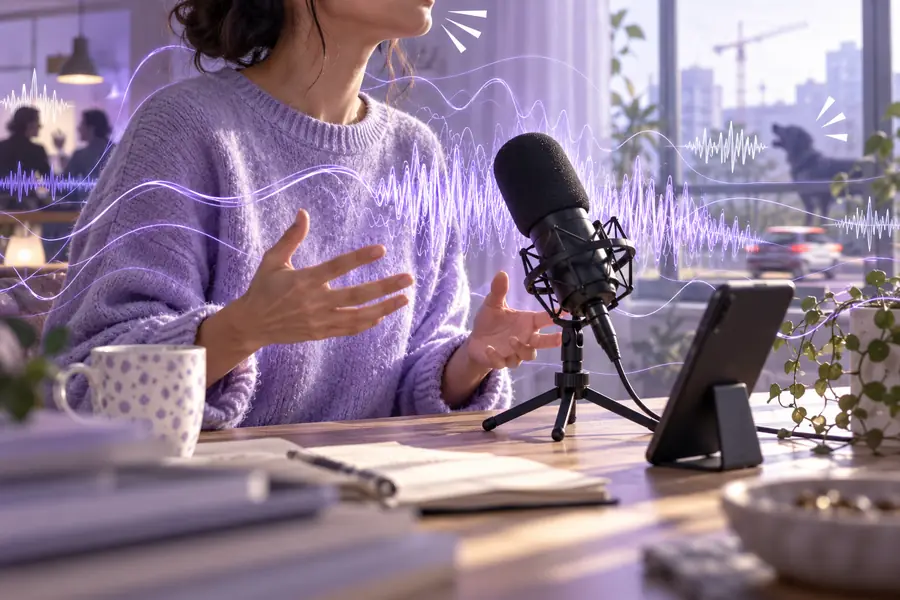
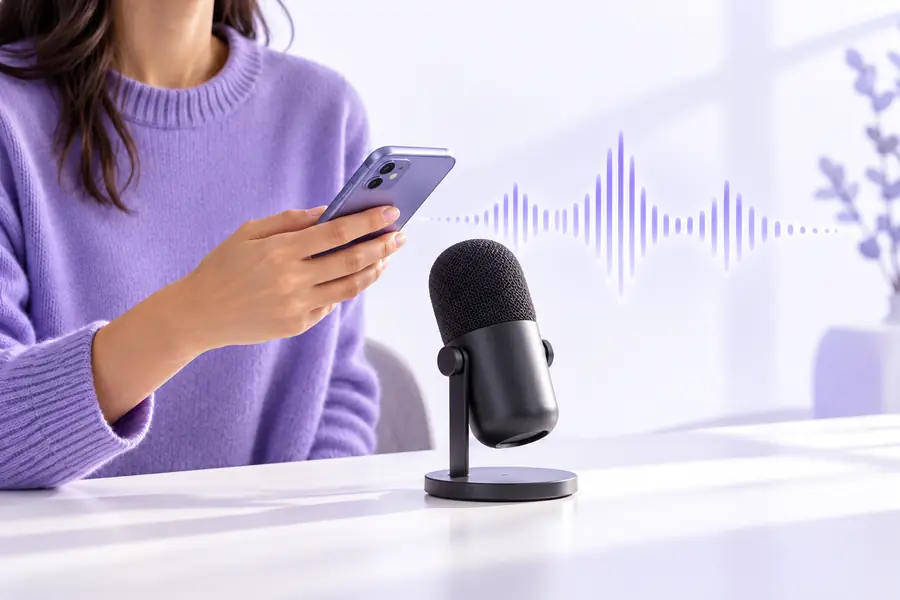
Listen for clarity, not total silence.
Before cleanupAfter cleanupHonest boundaries
An online voice cleaner can lower friction, but it cannot remove every recording problem or replace careful listening.
If speech is clipped, covered by a loud event, or never captured clearly, cleanup cannot recreate the original performance.
What to do instead
Record a replacement line or use a clearer take when the meaning is important.
Heavy processing may make a voice sound metallic, thin, or uneven, especially when the background is close to the speaker.
What to do instead
Test a shorter sample and compare the processed track with the original.
This route is not a substitute for detailed volume automation, music balancing, room-tone editing, or a full production timeline.
What to do instead
Move the result into a dedicated editor when the project needs layered control.
Before sending private or confidential audio to any online service, review the provider's current handling information and your own project requirements.
What to do instead
Use a local workflow when your policies require local processing.
Ready to test
Choose a short recording, describe the main distraction, and listen critically to the result. If the first pass is useful, you have a clearer basis for deciding whether to continue online or use a fuller editing workflow.
Common questions
A few practical answers for people searching for an online route with as little setup as possible.
It describes a low-friction entry point where you can begin evaluating a recording without planning a full account-based workflow first. Always check the current handoff and service terms before sending audio.
You can use it as a first test for spoken audio, but results depend on the recording quality and the type of background sound. Clipped speech, strong overlap, and severe distortion may remain difficult.
Search results often use “free” to describe an access route or an initial evaluation, but availability and limits can change. Check the current product experience rather than assuming that every file or feature is unlimited.
No cleanup route should be treated as a guarantee of total removal. The practical goal is clearer, more intelligible speech with acceptable naturalness, followed by a manual review.
Compare it with the original and test a shorter, less difficult section. If artifacts remain or the recording needs detailed balancing, use a fuller audio editor or a more controlled workflow.